Smarters Player Lite setup
Android • iOS • TVStep-by-step guide
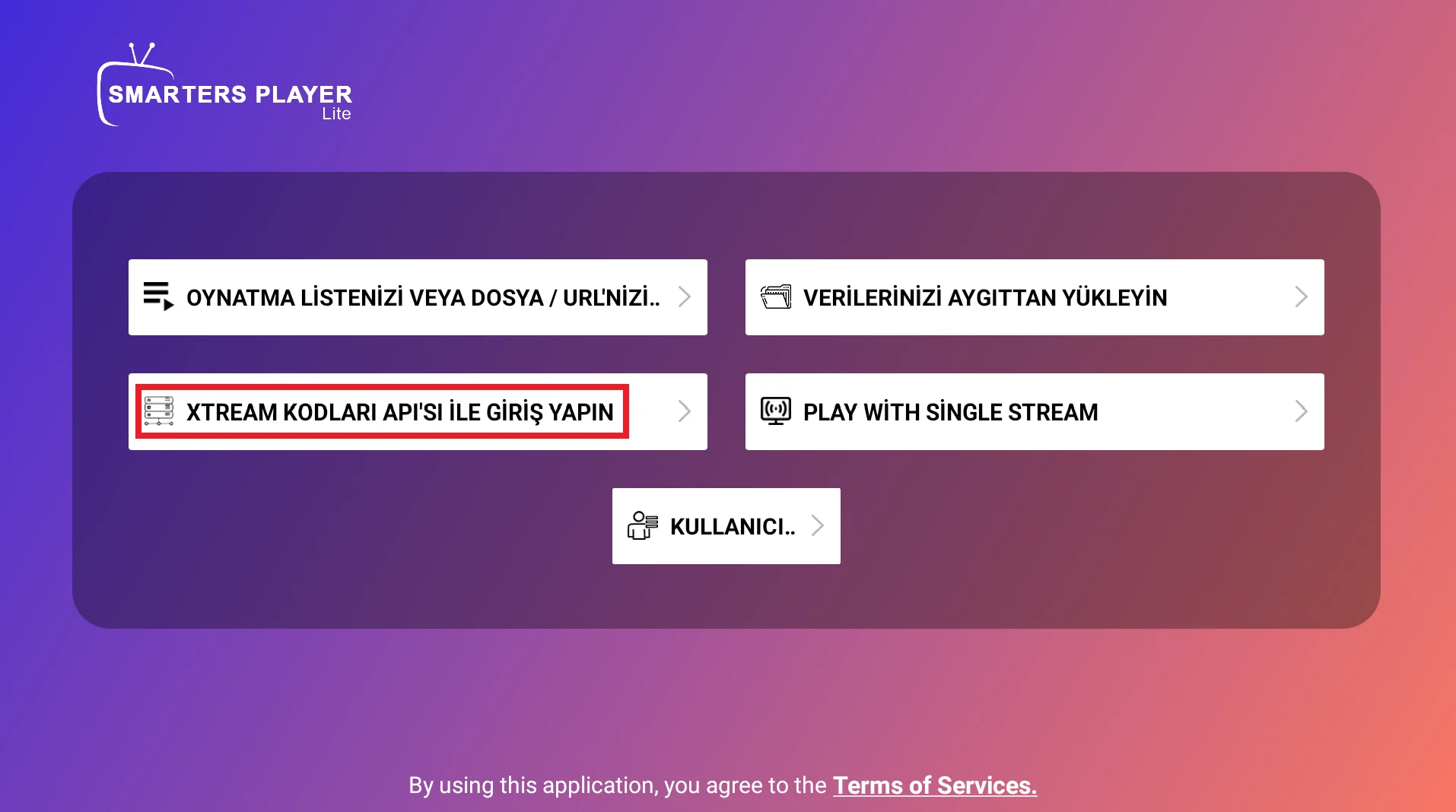
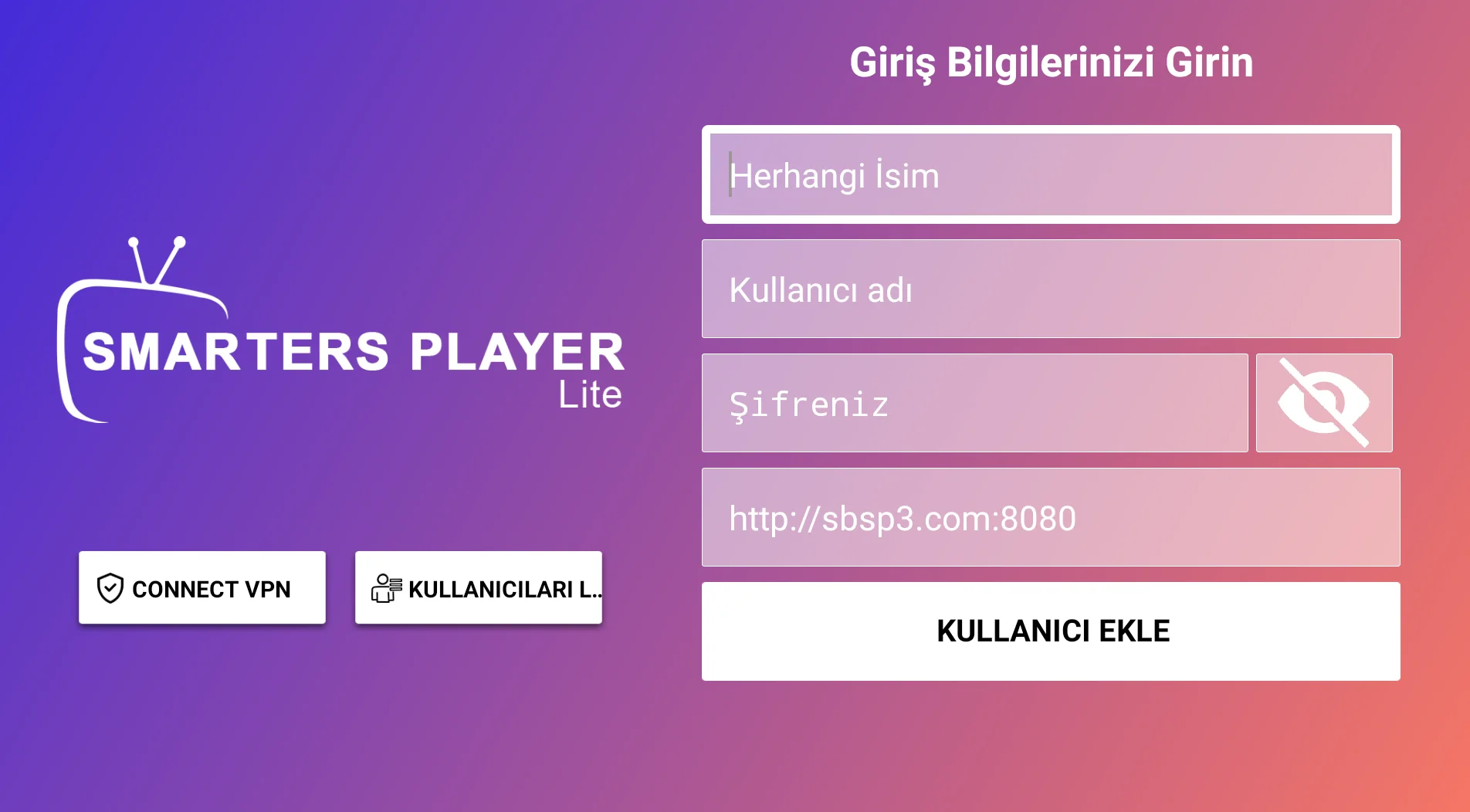
Choose a sign-in option such as “Login with Xtream Codes API” and use your provider’s server URL, username and password. You can choose any playlist name.
Before you start: Have the M3U link or server URL, username and password supplied by your IPTV provider ready. Only use content you have the right to access.
Setup steps
Choose a sign-in option such as “Login with Xtream Codes API” and use your provider’s server URL, username and password. You can choose any playlist name.
Make sure there are no spaces at the start or end of your details, and preserve uppercase and lowercase letters.
If the playlist does not load, check your internet connection first, then confirm that your account details are valid.
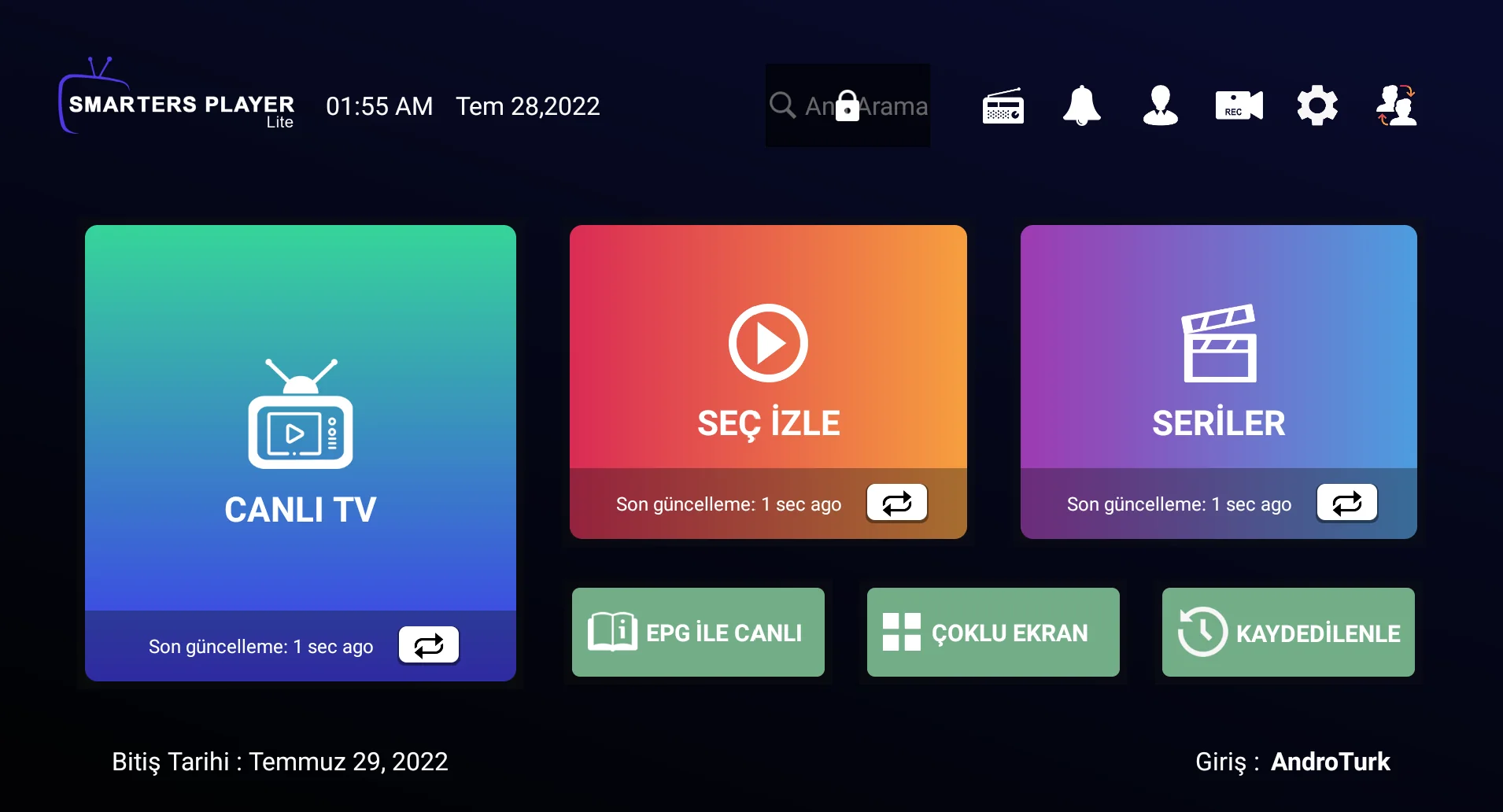
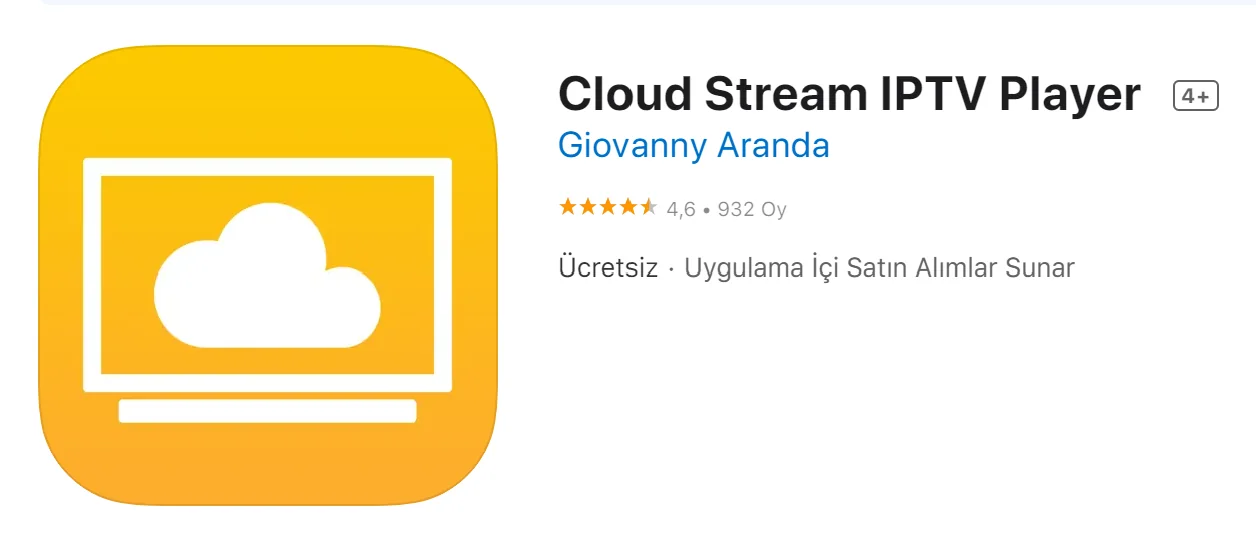
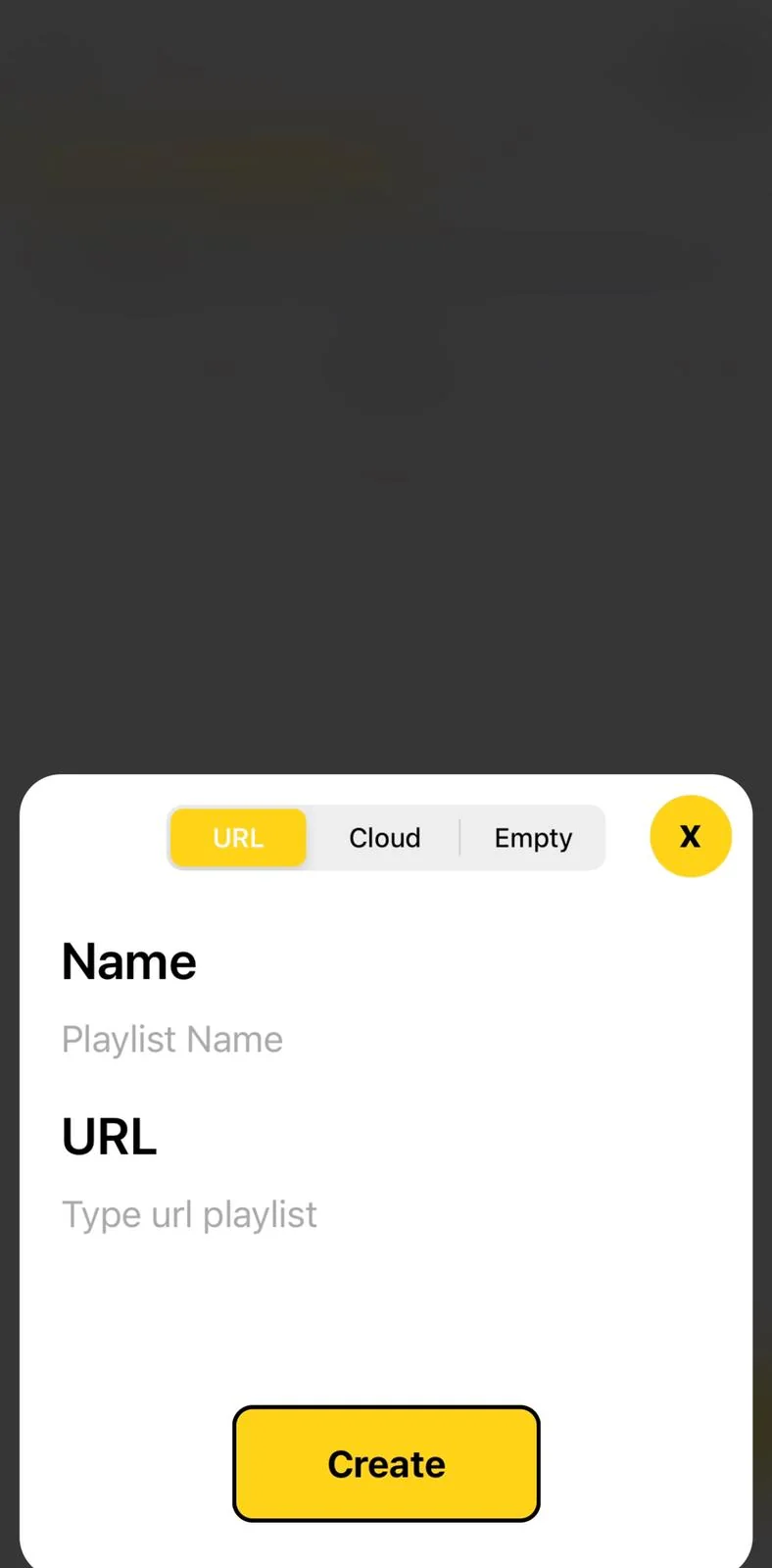
Setup screenshots
Use the following screenshots as a reference while following the steps.
Troubleshooting
Check your internet connection first. Then check the URL, username and password for extra spaces. App interfaces change with updates, so menu names may differ slightly.
Tip: For an explanation of URL, username, password or MAC address, see our IPTV terminology guide.