IPTV Stream Player setup
Android • WindowsStep-by-step guide
Sign in to IPTV Stream Player using Xtream API credentials.
Before you start: Have the M3U link or server URL, username and password supplied by your IPTV provider ready. Only use content you have the right to access.
Setup steps
Get your Xtream API credentials from your provider: server URL, username and password.
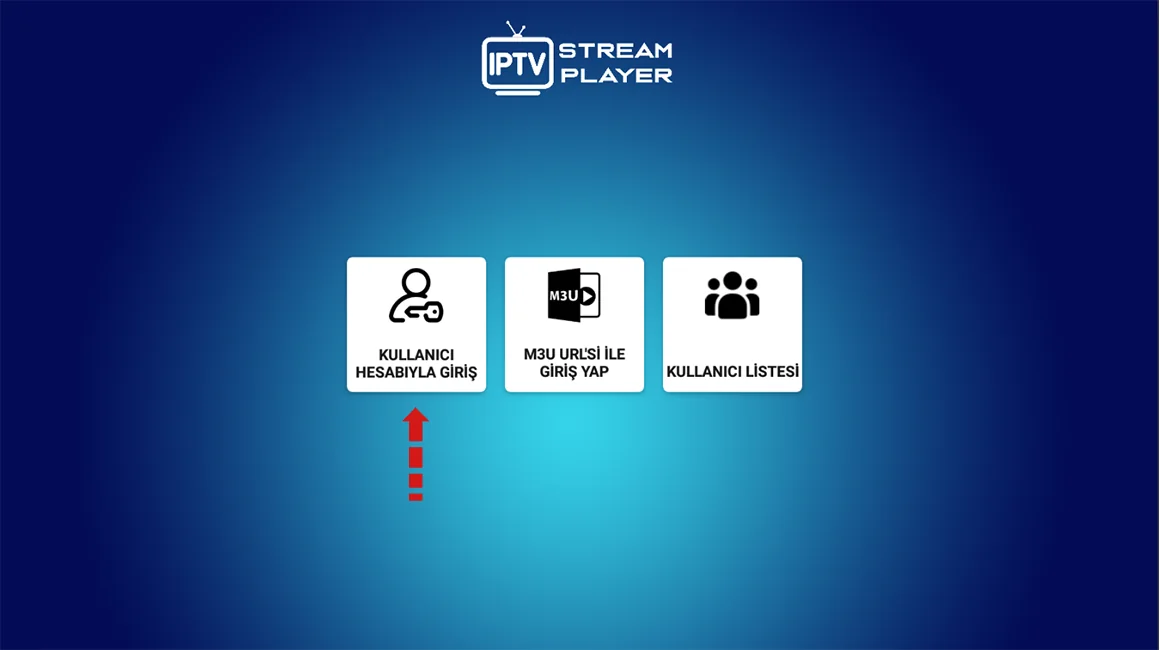
Open IPTV Stream Player and select the account sign-in option.
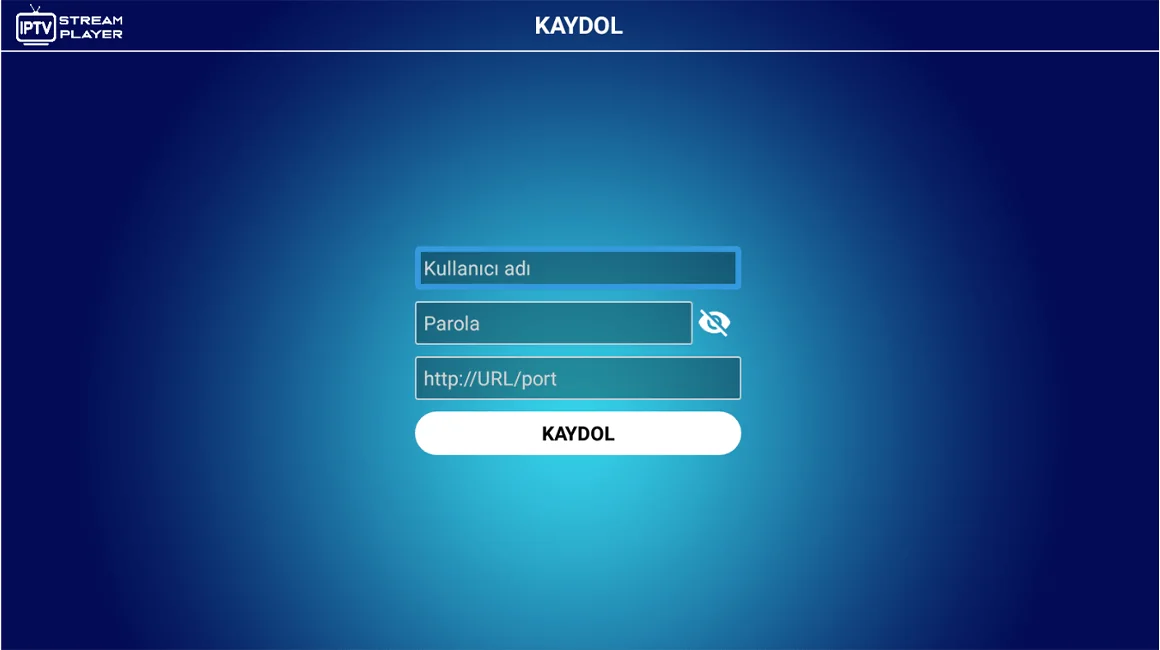
Complete the server URL, username and password fields, then save the account.
If a connection error appears, check for an unnecessary trailing slash in the URL and spaces in the username or password.
After signing in, wait for the playlist to load. Live TV, films and series appear in their respective menus.
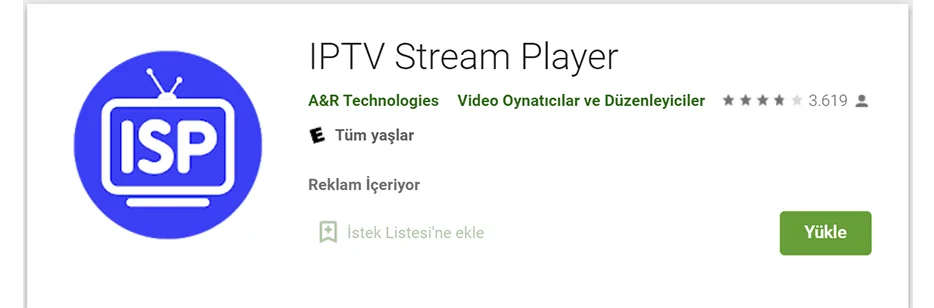
Setup screenshots
Use the following screenshots as a reference while following the steps.
Troubleshooting
Check your internet connection first. Then check the URL, username and password for extra spaces. App interfaces change with updates, so menu names may differ slightly.
Tip: For an explanation of URL, username, password or MAC address, see our IPTV terminology guide.